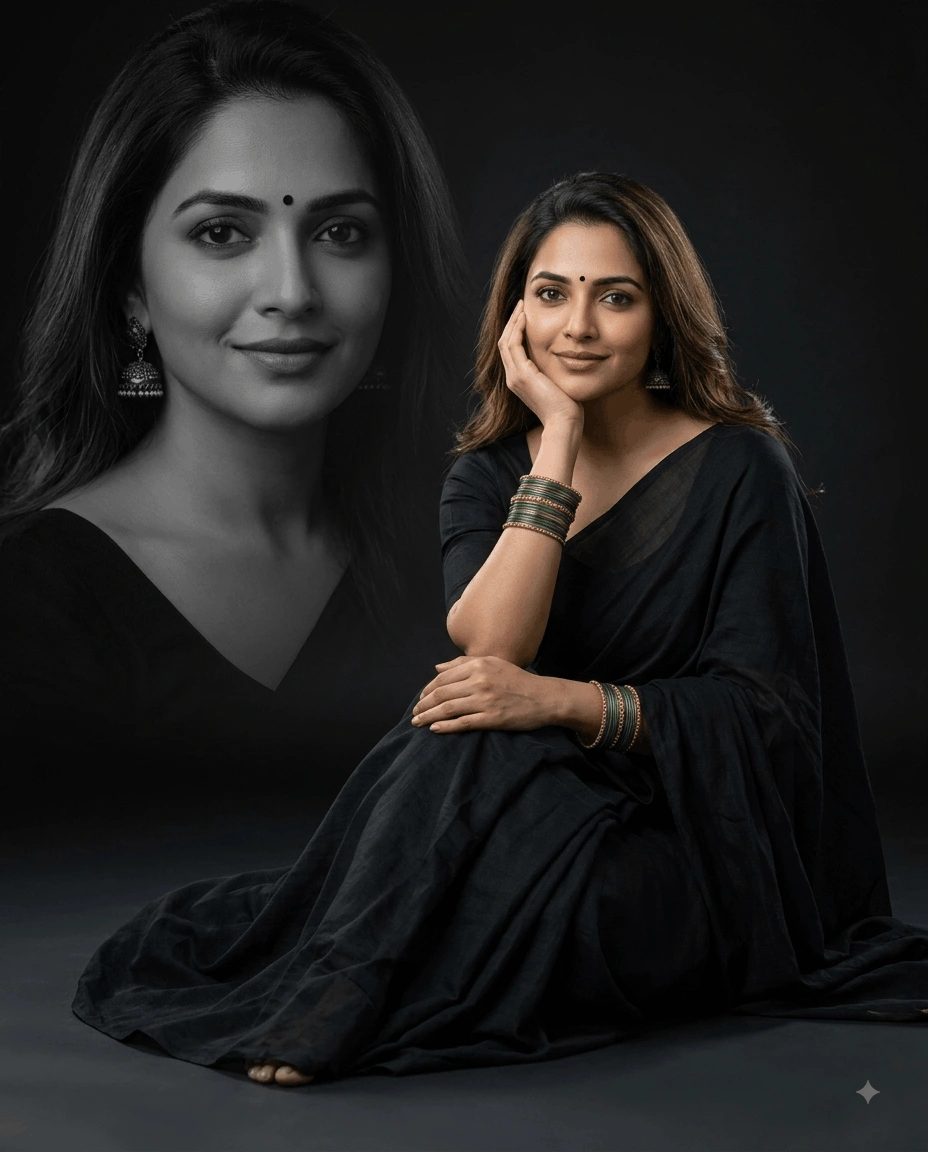
Golden Confetti Tuxedo AI Portrait Photo Editing Prompt
Transform your uploaded photo into an ultra-realistic formal portrait featuring...
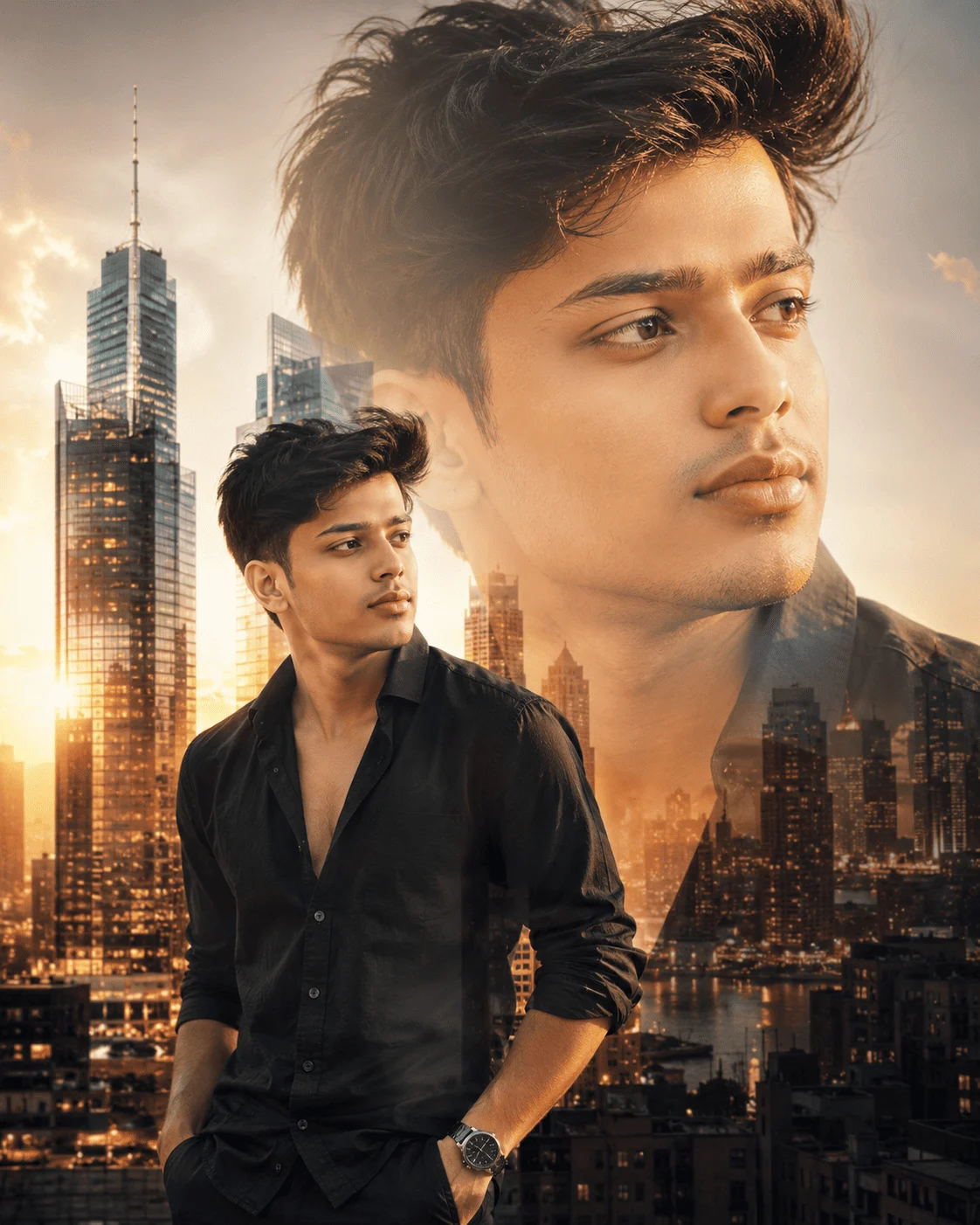
Transform your uploaded portrait into a stunning double-exposure artwork blending your face with a modern city skyline while preserving your identity and creating a premium editorial-style composition.
STRICT IDENTITY LOCK — Use the uploaded image as the ONLY facial reference.

Maintain 100% facial identity accuracy.

Preserve exactly:

• Face
• Facial proportions
• Hairstyle
• Hair color
• Skin tone
• Eyes
• Nose
• Lips
• Facial expression
• Clothing (unless changed)
• Accessories
• Natural appearance

Do NOT beautify, stylize, regenerate, reshape, replace, or modify the person's identity.

Create a premium editorial-style double-exposure composite portrait featuring the same subject presented in two scales.

Composition:

• Large close-up beauty portrait in the background
• Smaller three-quarter standing portrait in the foreground
• Seamless double-exposure blending
• Balanced negative space
• Editorial magazine composition

Background:

• Modern metropolitan skyline
• Golden-hour cityscape
• Glass skyscrapers
• Warm urban lighting
• Natural atmospheric depth

Lighting:

• Soft golden-hour illumination
• Natural rim lighting
• Cinematic highlights
• Smooth shadow transitions
• HDR rendering

Photography Style:

• Editorial Portrait Photography
• Double Exposure Art
• Lifestyle Campaign
• Magazine Cover Style
• Contemporary Urban Portrait

Capture using a Sony A1 paired with an FE 85mm f/1.4 GM II lens.

Camera Settings:

• Aperture: f/2
• ISO:100
• Shutter Speed:1/250s
• RAW Capture
• HDR
• Ultra High Resolution

Generate realistic skin texture, seamless double-exposure blending, premium city reflections, cinematic color grading, refined lighting transitions, Adobe Lightroom professional editing, magazine-quality composition, and ultra-realistic 8K rendering.

Mood:

Elegant

Modern

Confident

Inspirational

Editorial

Urban

Sophisticated

Creative

Aspect Ratio:

4:5 Portrait

Negative Prompt:

Changed face, identity drift, incorrect facial proportions, cartoon style, illustration, painting, blurry image, low resolution, distorted anatomy, duplicated subject, poor blending, floating buildings, unrealistic lighting, watermark, logo, text overlay.
Learn how to use this prompt effectively and maximize the quality of your AI-generated output.
Create an elegant double-exposure portrait that combines realistic portrait photography with modern city architecture. Designed for ChatGPT Image, Midjourney, FLUX, Stable Diffusion XL, Ideogram, Adobe Firefly, Google Gemini, and other advanced AI image generators, this prompt preserves your identity while blending your portrait seamlessly with an urban skyline.
Inspired by premium magazine covers and luxury editorial campaigns, the composition features two versions of the same subject—a large close-up portrait and a smaller standing portrait—combined with golden-hour city views for a sophisticated visual narrative.
Blends portrait photography with a realistic modern skyline while maintaining natural transitions and premium visual balance.
Keeps the uploaded face, expression, hairstyle, proportions, and natural appearance completely recognizable.
Uses layered portrait scaling and elegant city integration inspired by contemporary fashion and lifestyle magazines.
Produces commercial-quality artwork featuring cinematic lighting, realistic textures, and polished editorial finishing.
Perfect for photographers, designers, professionals, influencers, content creators, branding agencies, and anyone looking for sophisticated editorial portrait artwork.
Why You'll Love It
Create an eye-catching portrait that feels like a premium magazine cover by combining realistic portrait photography with dramatic city architecture and cinematic golden-hour lighting.
Upload a clear portrait to generate a premium editorial double-exposure composition while preserving your identity and blending it seamlessly with a modern city skyline.
Choose a portrait with clean lighting and a simple background. This gives the AI more freedom to create smooth double-exposure transitions and realistic city integration.
Explore more photo effects & filters prompts similar to this one.
Transform your uploaded photo into an ultra-realistic formal portrait featuring...
Create an elegant double-exposure portrait of an Indian woman in a black saree,...
Transform your uploaded photo into a premium chibi character poster featuring yo...
Create an amazing result using this prompt and share it with the Prompt Locator community. Selected submissions may be featured in this gallery to inspire other creators.
Help us keep Prompt Locator safe by reporting inappropriate content.
Help improve this prompt by submitting your suggestion.