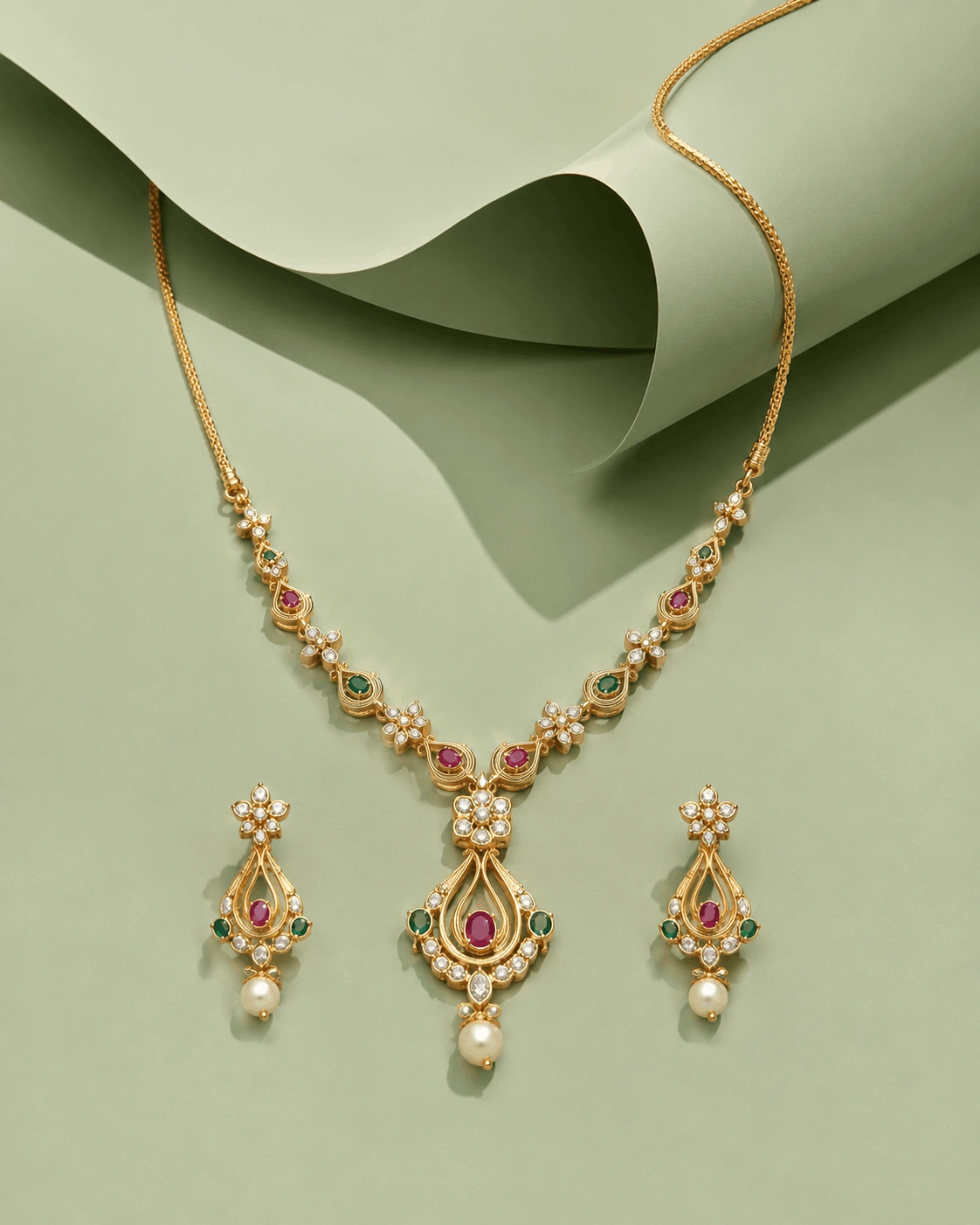
Minimalist Sage Green Jewelry Ad – Sculptural Paper Editorial
Create a modern luxury jewelry advertisement using sage-green tones, sculptural...
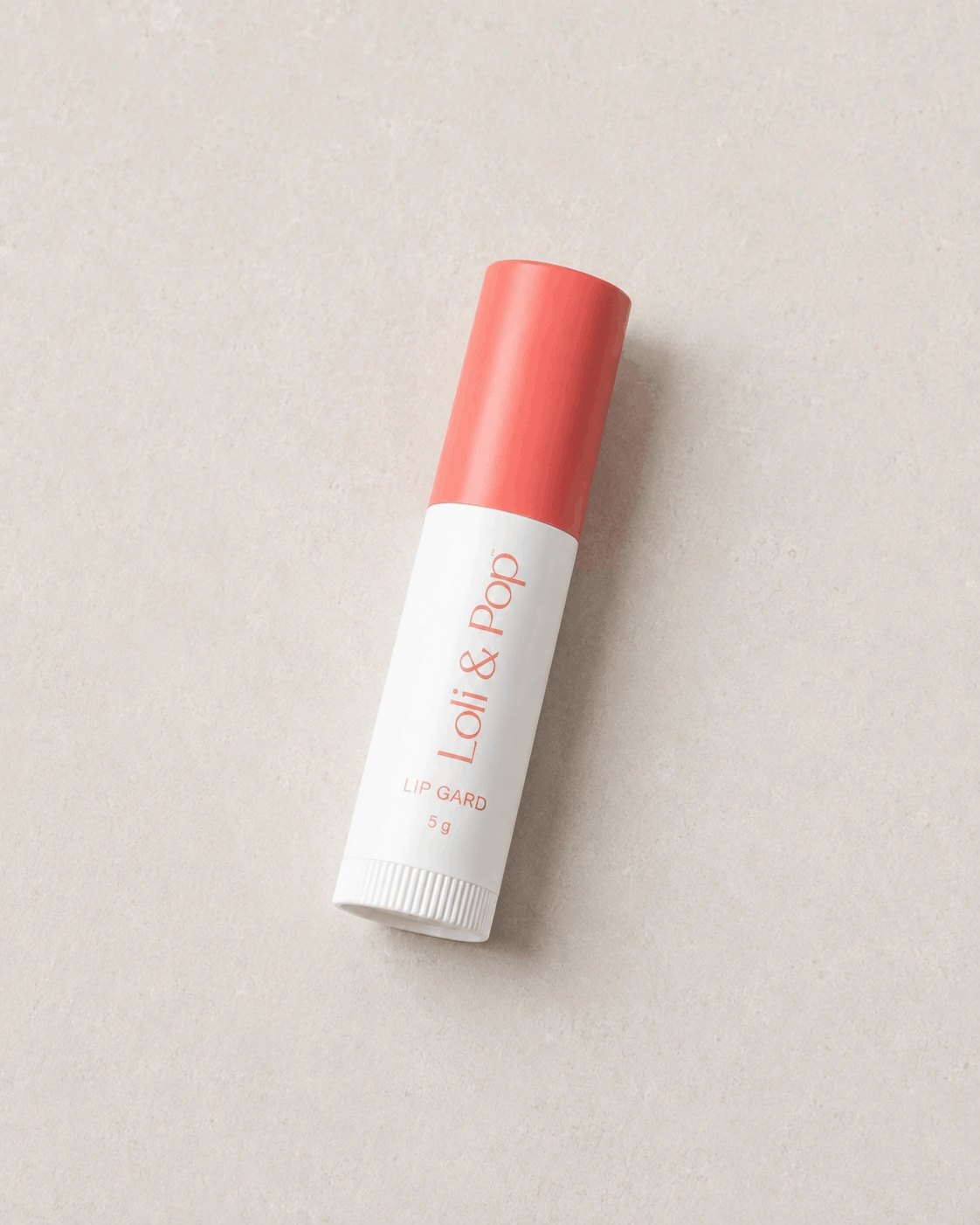
Create a clean top-down flat lay product photograph with balanced composition, soft lighting, realistic textures, and a professional commercial photography aesthetic.
Create a photorealistic, high-resolution top-down flat lay product photograph of the [product] placed neatly on a clean, smooth studio surface.

PRODUCT ACCURACY:
Preserve the exact product shape, proportions, dimensions, colors, branding, visible text, packaging details, material finish, edges, textures, and overall appearance. Do not redesign, distort, simplify, replace, or invent any product details.

COMPOSITION:
Use a perfectly overhead camera angle with the product positioned as the primary focal point. Create a balanced, clean composition with intentional spacing around the product. Keep the product fully visible without cropping, stretching, perspective distortion, or unnecessary objects.

SURFACE & BACKGROUND:
Place the product on a minimal, seamless studio surface with a clean neutral appearance. Keep the background uncluttered and distraction-free so the product remains the dominant visual element.

LIGHTING:
Use soft, even studio lighting distributed naturally across the entire product. Create gentle highlights that reveal the material and surface characteristics without producing harsh glare. Add a subtle, realistic contact shadow beneath the product while keeping the overall presentation bright and clean.

MATERIAL & TEXTURE:
Maintain realistic physical materials and surface textures. Accurately reproduce details such as glass, plastic, metal, paper, fabric, leather, ceramic, wood, or other materials depending on the actual product. Preserve believable reflections and subtle surface imperfections where naturally appropriate.

PRODUCT DETAILS:
Keep all visible branding, labels, typography, logos, patterns, buttons, seams, closures, textures, colors, and structural elements accurate to the reference. Do not add fictional text, decorative elements, accessories, props, or additional products.

PHOTOGRAPHY STYLE:
Professional commercial product photography with a refined e-commerce presentation. Clean overhead perspective, precise product placement, realistic optical rendering, natural tonal range, crisp edges, accurate colors, detailed textures, and polished studio quality.

COLOR & EXPOSURE:
Use neutral, accurate color reproduction with balanced exposure. Avoid excessive saturation, artificial HDR, extreme contrast, color shifts, or dramatic effects. Keep whites clean, shadows controlled, and product colors faithful to the reference.

DETAIL & REALISM:
Ultra-realistic photographic rendering, high-resolution detail, realistic material response, natural shadows, accurate geometry, sharp product definition, clean edges, and authentic studio photography characteristics.

FINAL RESULT:
Generate a professional top-down flat lay product image suitable for e-commerce listings, product catalogs, online stores, brand websites, advertising campaigns, social media marketing, and commercial product presentations.

NEGATIVE PROMPT:
No product redesign, no altered proportions, no distorted geometry, no incorrect branding, no misspelled text, no duplicated products, no extra objects, no props, no people, no hands, no excessive shadows, no harsh reflections, no plastic-looking materials, no artificial CGI appearance, no 3D-rendered look, no warped edges, no cropped product, no floating product, no perspective distortion, no oversaturation, no excessive HDR, no blur, no watermark, no random text, no logo changes.
Learn how to use this prompt effectively and maximize the quality of your AI-generated output.
Create clean and professional top-down flat lay product photography with this carefully structured AI image prompt. Designed for modern AI image generators such as ChatGPT Image, Midjourney, FLUX, Stable Diffusion, Ideogram, and Adobe Firefly, this prompt transforms your product into a polished commercial composition while maintaining realistic proportions, materials, and visual details.
The prompt focuses on overhead composition, balanced placement, soft studio illumination, natural material textures, and controlled shadows. It is ideal for showcasing products in a minimal visual style suitable for e-commerce, catalogs, social media, advertising, websites, and professional brand presentations.
Uses a direct overhead perspective to present the product clearly with an organized and visually balanced flat lay arrangement.
Applies even, diffused illumination to reveal product details while maintaining gentle and controlled shadows.
Preserves believable product surfaces, textures, finishes, edges, and physical characteristics for a natural photographic appearance.
Produces clean visual assets suitable for online stores, catalogs, promotional campaigns, product pages, and digital marketing.
This prompt is ideal for e-commerce sellers, product photographers, designers, marketers, online retailers, brand owners, social media creators, advertising teams, and businesses that need clean product visuals without complicated studio setups.
Why You'll Love It
Turn an ordinary product into a polished flat lay composition with a simple overhead perspective, controlled illumination, authentic textures, and a clean commercial presentation designed for modern digital marketing.
Replace [product] with the exact product you want to visualize, then use the completed prompt in your preferred AI image generator to create a clean overhead product photograph.
For the most accurate product presentation, use a high-resolution reference with the product photographed clearly from above or at a straight angle. Avoid strong glare and heavy shadows so the AI can reproduce the product's shape, surface texture, and visible details more consistently.
Explore more product photography prompts similar to this one.
Create a modern luxury jewelry advertisement using sage-green tones, sculptural...
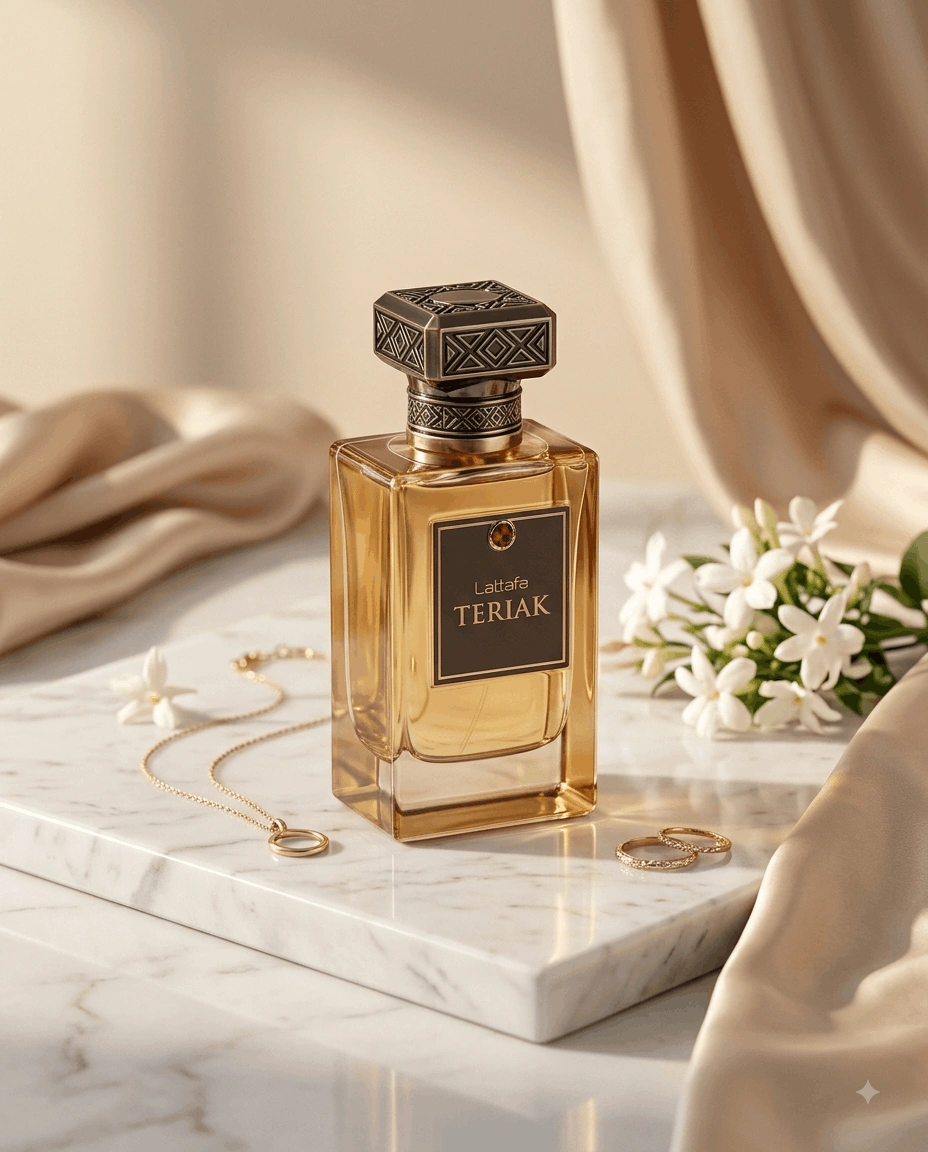
Transform an uploaded perfume bottle into a refined commercial beauty photograph...
Create a bold commercial product portrait with forced perspective and vibrant su...
Create an amazing result using this prompt and share it with the Prompt Locator community. Selected submissions may be featured in this gallery to inspire other creators.
Help us keep Prompt Locator safe by reporting inappropriate content.
Help improve this prompt by submitting your suggestion.