Little Ganpati Blessings Baby Portrait
Create an adorable, photorealistic Ganesh Chaturthi baby portrait using the uplo...

Create a photorealistic Ganesh Chaturthi portrait of a 22-year-old Indian young man holding a colorful Lord Ganesha idol, with his real facial structure preserved, natural smile, red tilak, white shirt, and dramatic red-lit studio background.
Use the uploaded image as the primary identity reference and create an ultra-realistic, high-quality studio portrait of the same 22-year-old Indian young man celebrating Ganesh Chaturthi while holding a colorful Lord Ganesha idol.

Most importantly, preserve the person's real identity and recognizable facial characteristics from the uploaded image. Do not replace or redesign his face. Maintain the same facial structure, face shape, forehead proportions, eyes, eyebrows, nose shape, lips, jawline, cheek structure, skin tone, hairline, and other distinctive facial characteristics. The final portrait should clearly look like the same person from the uploaded photograph.

Present him standing naturally and confidently while holding the colorful Lord Ganesha idol securely and respectfully in front of his body. His posture should feel relaxed and authentic, with both hands naturally positioned around the idol where appropriate. Make sure the hands and fingers are anatomically correct and naturally connected to the arms and idol.

Dress the subject in a clean, simple white shirt with realistic fabric texture, natural folds, stitching details, and a neat appearance. Keep the outfit understated so that attention remains on the subject's face and the colorful Ganesha idol.

Give the subject a genuine natural smile that communicates happiness, devotion, pride, and peaceful celebration. Add a small, subtle red tilak centered naturally on the forehead. The tilak should look physically applied to the skin rather than digitally pasted onto the face.

The Lord Ganesha idol should be colorful, beautifully crafted, and highly detailed. Give the idol traditional devotional characteristics, with carefully rendered facial details, crown, ornaments, jewelry, colorful clothing, floral decoration, and refined handcrafted textures. Make the idol visually vibrant while keeping its proportions believable and appropriate for the subject to hold.

Set the portrait against a dramatic deep-dark studio background. Introduce a soft red atmospheric glow directly behind the subject to create a subtle halo-like separation from the dark background. The red illumination should remain elegant and controlled, creating depth without overwhelming the subject or Ganesha idol.

Use professional studio portrait lighting with a soft key light illuminating the face naturally, gentle fill light controlling shadows, and a subtle red backlight creating separation around the silhouette. Maintain realistic skin highlights, natural facial shadows, accurate white-shirt exposure, and detailed rendering of the Ganesha idol.

The subject should look directly toward the camera with a natural, confident, devotional presence. Keep the face prominently visible and sharply focused. Make the eyes realistic, expressive, and naturally aligned. Preserve authentic skin texture rather than applying excessive artificial skin smoothing.

Create a premium DSLR-style photographic appearance with realistic lens rendering, natural depth of field, crisp facial details, subtle background falloff, realistic skin pores, detailed hair strands, natural fabric texture, and physically believable lighting.

Use an editorial studio portrait composition with the subject centered or slightly naturally balanced in the frame. Keep the complete face, upper body, white shirt, hands, and Ganesha idol clearly visible. Avoid cropping important parts of the idol or subject.

The overall mood should communicate Ganesh Chaturthi celebration, devotion, happiness, cultural pride, and personal connection with Lord Ganesha. The image should feel like a professionally photographed festival portrait rather than an artificial or overly stylized AI image.

Render the final result with an 8K-quality appearance, ultra-sharp photographic detail, high dynamic range, realistic textures, refined contrast, accurate skin tones, detailed idol materials, cinematic studio lighting, professional DSLR aesthetics, and photorealistic finishing.

Composition: portrait orientation, suitable for social media and festival profile imagery.

Quality requirements:
- Photorealistic studio portrait
- High-resolution 8K-quality appearance
- Professional DSLR photography aesthetic
- Extremely detailed face and eyes
- Realistic skin texture
- Natural smile
- Authentic red tilak
- Detailed colorful Lord Ganesha idol
- Realistic white shirt
- Dark dramatic background
- Soft red glow behind subject
- Controlled cinematic lighting
- Natural depth of field
- Sharp primary subject

Negative constraints:
Do not change the person's real face structure.
Do not generate a different person.
Do not alter recognizable facial proportions.
Do not change the person's identity.
Do not make the face overly beautified or artificially smooth.
No distorted face, asymmetrical eyes, malformed ears, distorted nose, unnatural lips, extra fingers, missing fingers, malformed hands, extra arms, duplicated limbs, distorted Ganesha idol, deformed trunk, broken jewelry, unrealistic grip, floating objects, excessive red lighting, harsh shadows, flat lighting, excessive blur, low resolution, plastic skin, cartoon appearance, artificial facial expression, watermark, logo, random text, unwanted typography, or distracting background elements.
Learn how to use this prompt effectively and maximize the quality of your AI-generated output.
Ganesh Chaturthi Ganesha Idol Portrait is designed to transform an uploaded photograph into a polished, high-quality devotional portrait celebrating Ganesh Chaturthi. The subject is presented as a 22-year-old Indian young man wearing a clean white shirt and holding a colorful Lord Ganesha idol with genuine happiness and devotion.
The uploaded image should remain the primary identity reference. The subject's real face structure, facial proportions, recognizable features, and natural appearance should be carefully preserved rather than replaced with an unrelated generated face. A subtle red tilak, natural smile, and warm devotional expression reinforce the festive spiritual atmosphere.
Uses the uploaded photograph as the primary identity reference while maintaining the subject's recognizable facial structure and natural characteristics.
Places a vibrant and richly detailed Lord Ganesha idol naturally in the subject's hands as the central devotional element.
Adds a small, natural-looking red tilak that complements the subject's devotional expression without overpowering the portrait.
A soft red glow behind the subject creates separation from the dark background and gives the portrait a cinematic festive atmosphere.
The subject maintains a genuine natural smile and peaceful devotional emotion, creating an authentic Ganesh Chaturthi feeling.
Designed for an ultra-sharp, high-resolution photographic appearance with realistic skin texture, fabric detail, controlled depth, and professional studio rendering.
This prompt is ideal for anyone who wants to create a personalized Ganesh Chaturthi portrait from their own photograph. It works particularly well for festive profile pictures, devotional posts, Ganpati celebration images, family festival memories, and social media artwork.
Why You'll Love It
The prompt combines personal identity preservation with the warmth of Ganesh Chaturthi, creating a professional portrait that feels both photographic and genuinely devotional.
Upload a clear photograph of the person you want to feature, then use this prompt to create a personalized Ganesh Chaturthi portrait while keeping the person's recognizable identity and facial structure intact.
The quality of the uploaded reference image has a major impact on the final portrait. Use a clear photograph where the face is visible and unobstructed. For the most natural result, keep the red backlight soft and let the main studio light illuminate the face evenly while preserving realistic skin texture.
Explore more ganesh chaturthi prompts similar to this one.
Create an adorable, photorealistic Ganesh Chaturthi baby portrait using the uplo...
Create an ultra-realistic Ganesh Chaturthi baby portrait featuring a smiling Ind...
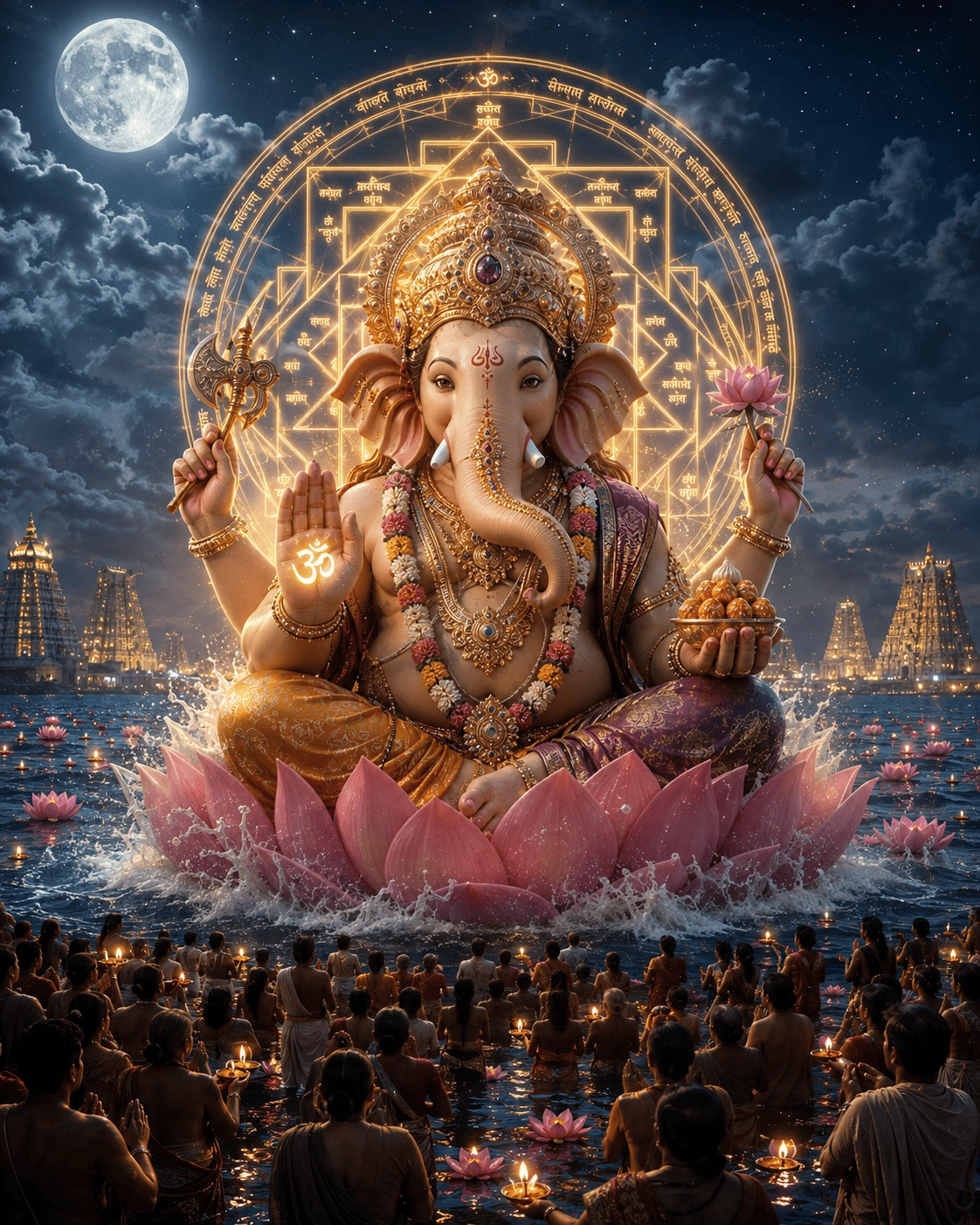
Create a majestic cinematic Lord Ganesha scene emerging from the ocean beneath a...
Create an amazing result using this prompt and share it with the Prompt Locator community. Selected submissions may be featured in this gallery to inspire other creators.
Help us keep Prompt Locator safe by reporting inappropriate content.
Help improve this prompt by submitting your suggestion.